Ontvang een e-mail bij een prijsdaling tot onder je gewenste prijs.
Je ontvangt een e-mail wanneer de prijs daalt.
We volgen de prijsontwikkeling van dit product op bol.com (Nederland).
Most people use less than 20% of what Microsoft Outlook can actually do.
The result?
And hours wasted every single week doing tasks Outlook could automate for you.
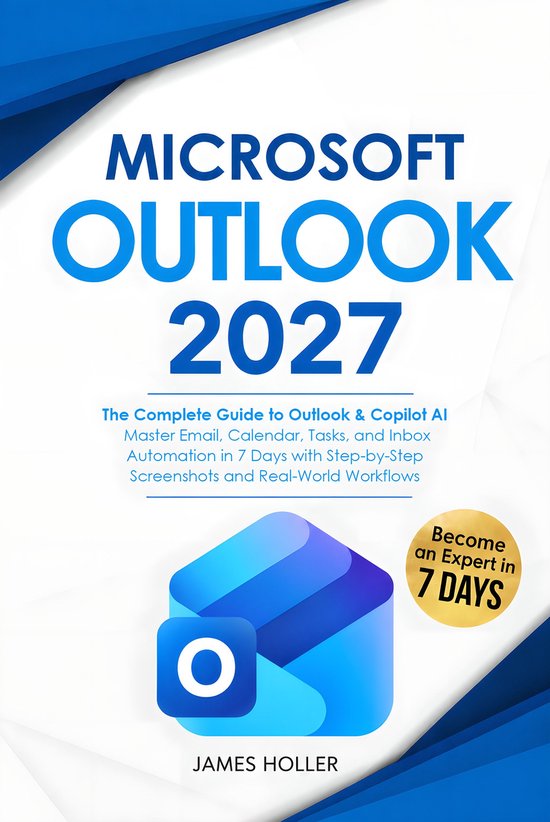
Microsoft Outlook 2027 is a step-by-step guide that includes clear visual instructions, full screenshots, and beginner-friendly walkthroughs designed to help you quickly master Outlook and Copilot without confusion or technical overwhelm.
Whether you use Outlook for business, remote work, school, or personal productivity, this practical guide shows you exactly how to configure, organize, automate, and optimize Outlook like an experienced power user across Windows, Mac, web, and mobile devices.
How to build a clean, organized inbox system using folders, rules, categories, and Quick Steps
Easy shortcuts to turn emails into tasks automatically using Flags, Microsoft To Do, and reminders
25+ Outlook Calendar and scheduling features for meetings, time blocking, and team coordination
Advanced search operators to find emails, files, contacts, and attachments in seconds
How to stop notification overload and distractions using smarter Outlook settings
The best ways to protect your account using two-factor authentication and modern security settings
The most updated guide to using Microsoft Copilot AI inside Outlook to draft emails, summarize threads, and automate repetitive work
This is not a basic “click here, click there” manual.
It is a real-world Outlook productivity system designed to help you save time, reduce stress, communicate professionally, and finally take control of your email, calendar, and workflow.
If you’re ready to stop drowning in emails, save hours every week, and use Microsoft Outlook like a true productivity professional…
Bekijk ook eens deze gerelateerde producten.

Handboek - Handboek Outlook 2024

Cursusboek Outlook 2019

Outlook E-mailen en organiseren

Microsoft 365 Outlook For Dummies

Microsoft Office 365 Personal - 1 Gebruiker - 5 apparaten - Meertalig - Jaarabonnement - Download

Office Basis 365 web / Word, Excel, Powerpoint
