The Insider's Best-Practice Guide to Rapid PyQt 4 GUI Development
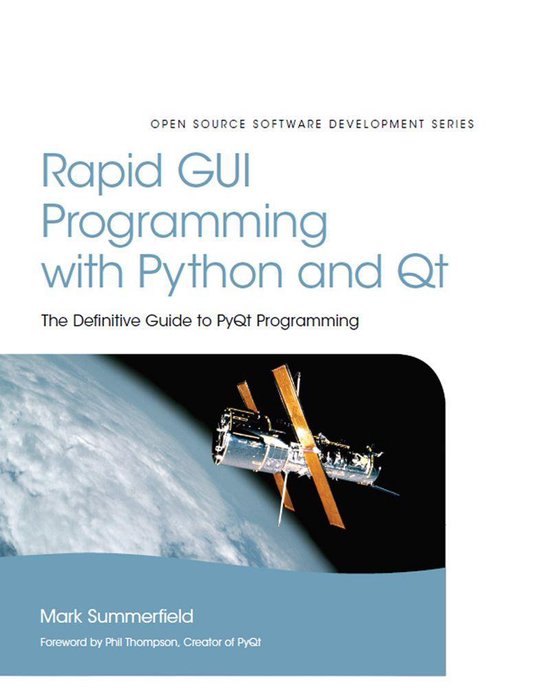
Whether you're building GUI prototypes or full-fledged cross-platform GUI applications with native look-and-feel, PyQt 4 is your fastest, easiest, most powerful solution. Qt expert Mark Summerfield has written the definitive best-practice guide to PyQt 4 development.
With
Rapid GUI Programming with Python and Qt you'll learn how to build efficient GUI applications that run on all major operating systems, including Windows, Mac OS X, Linux, and many versions of Unix, using the same source code for all of them. Summerfield systematically introduces every core GUI development technique: from dialogs and windows to data handling; from events to printing; and more. Through the book's realistic examples you'll discover a completely new PyQt 4-based programming approach, as well as coverage of many new topics, from PyQt 4's rich text engine to advanced model/view and graphics/view programming. Every key concept is illuminated with realistic, downloadable examples—all tested on Windows, Mac OS X, and Linux with Python 2.5, Qt 4.2, and PyQt 4.2, and on Windows and Linux with Qt 4.3 and PyQt 4.3.
Coverge includes
- Python basics for every PyQt developer: data types, data structures, control structures, classes, modules, and more
- Core PyQt GUI programming techniques: dialogs, main windows, and custom file formats
- Using Qt Designer to design user interfaces, and to implement and test dialogs, events, the Clipboard, and drag-and-drop
- Building custom widgets: Widget Style Sheets, composite widgets, subclassing, and more
- Making the most of Qt 4.2's new graphics/view architecture
- Connecting to databases, executing SQL queries, and using form and table views
- Advanced model/view programming: custom views, generic delegates, and more
- Implementing online help, internationalizing applications, and using PyQt's networking and multithreading facilities